
2 foot mini ramp
800 / 1200
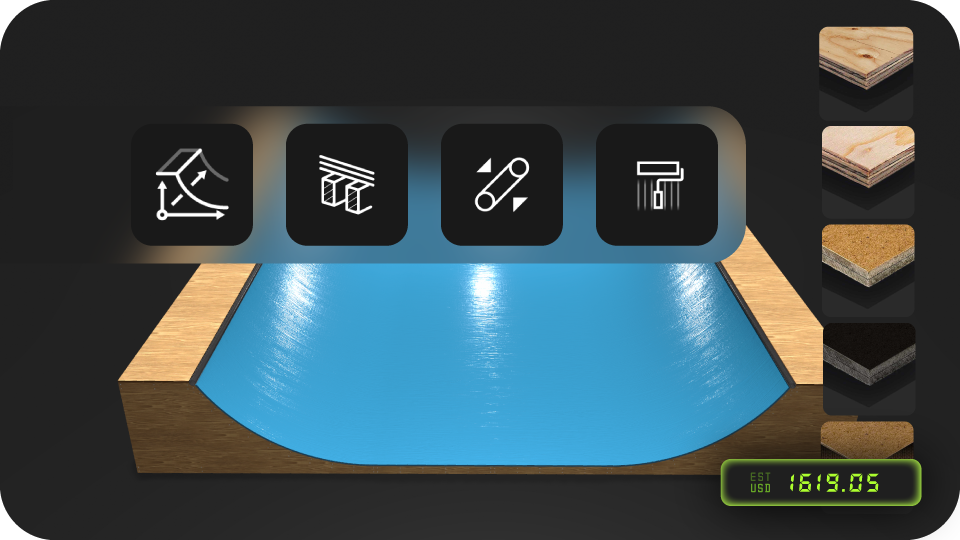
Pick a mini ramp or halfpipe preset and adjust only what you need: height, transition,
length, width, deck, and precise coping reveal.
Changes show up right away. You see immediately if it fits your style, your level, and
your
space. Yard, garage, or indoor.
Metric/imperial is built in. RampNerd keeps everything on real plywood sheet sizes, so what’s on screen is buildable.
When it’s right, you export once.
You get the same deliverables as mini ramp plans or halfpipe blueprints, but matched to
your
exact setup.
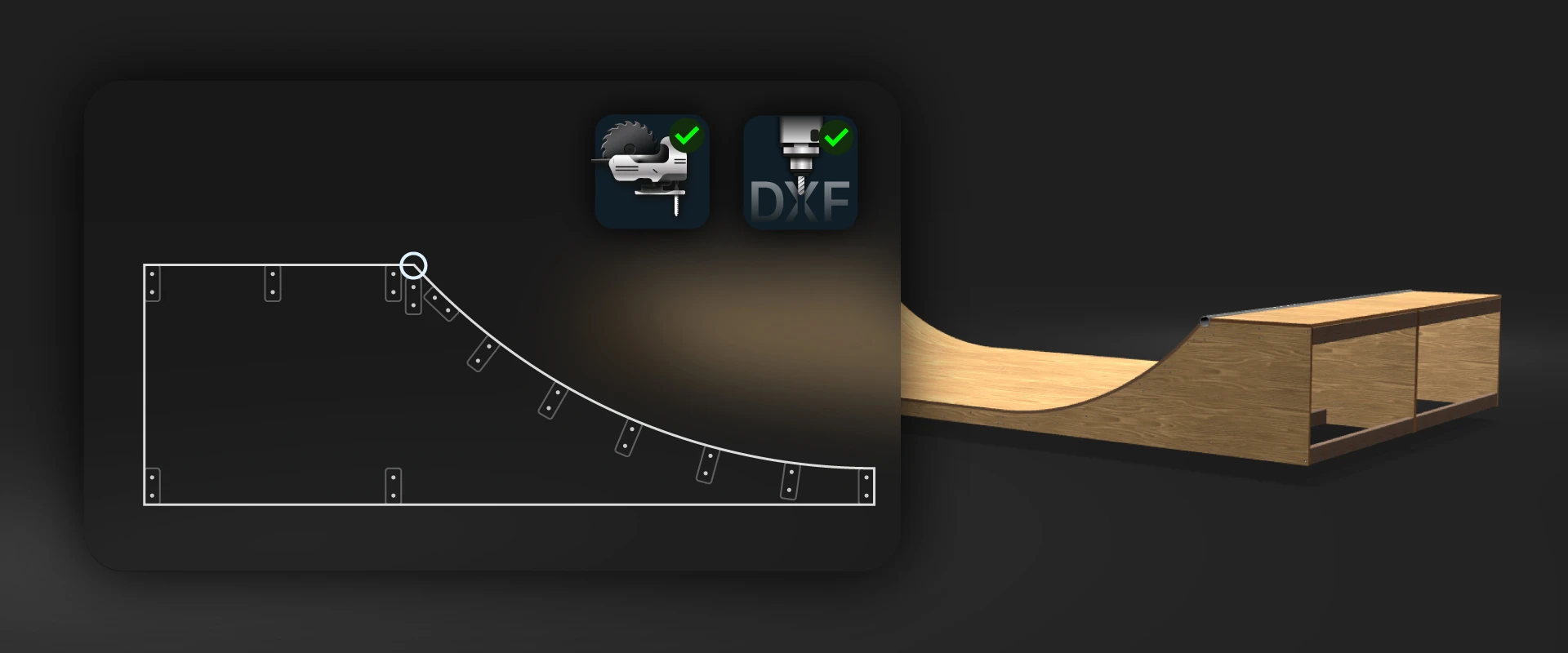
CNC-ready DXF for the shop.
Printable cut guides for jigsaw or track-saw builds.
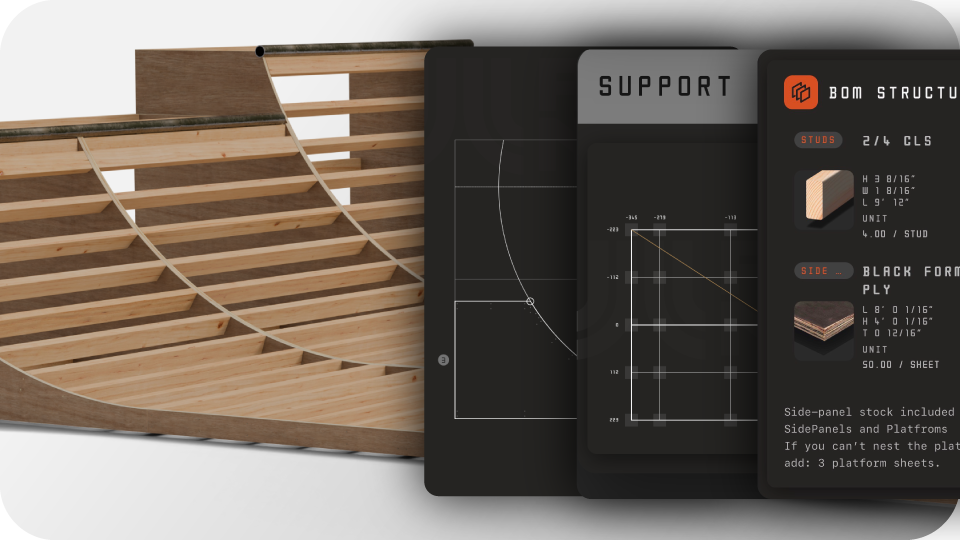
A complete bill of materials with sheet counts, lumber, and hardware.
Tweak as long as you want before export. After export, you can always access the files and view the ramp model.
Looking for mini ramp or halfpipe plans? Pick a template, adjust specs in minutes, and export your custom ramp blueprint (DXF + cut sheets + materials).
2 foot mini ramp
800 / 1200
3 foot halfpipe
1000 / 1400
3.5 Mini + extension
1400 / 1800
DIY garage mini
600 / 1000
Sign in and start a project workspace. Or tap Preview to explore without saving.
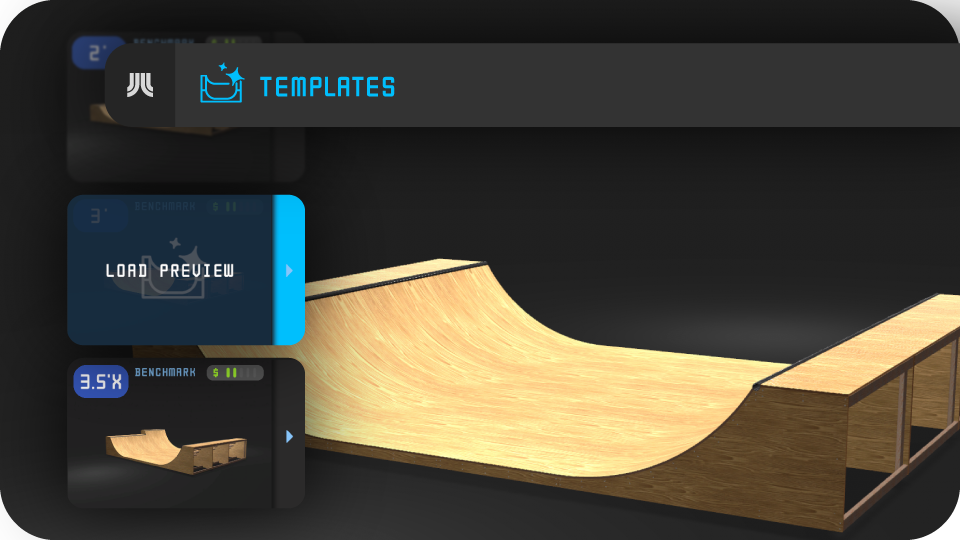
Use the top bar to open the Templates window.
Scroll presets and inspect them in live 3D (rotate, zoom).
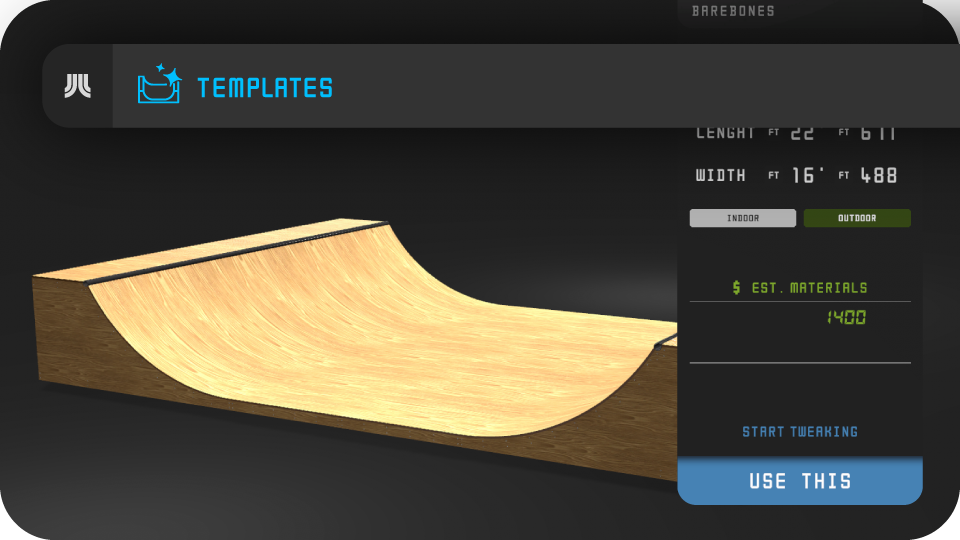
Pick the template you like and apply it to your project.
Adjust height, length, radius, platforms, materials, and finish—or use as is. Autosaves.
Finalize to access CNC-ready DXF files, cut guides, build page, and BOM.
Access your project's build page anywhere. Perfect for jobsites or on the go.
Both. You start with a template, adjust dimensions/materials, then export final plans/blueprints (DXF, cut sheets, materials) matched to your setup.
No. You get CNC-ready DXF and printable cut guides for hand tools.
Yes. Tweak height, radius, length, width, decks, and materials before you finalize.
Your project locks so DXF, cut guides, and BOM always match. Want changes later? Start a new project.
Both. Switch anytime—plans stay sheet-accurate.
Yes. Everything nests within 4×8 ft / 1220×2440 mm by default. But any sheet size is supported.
Yes. Live in-app support is built in. If anything ever looks off, we verify your project and guarantee correct files before you cut.
No. Templates use the same workflow and deliverables—DXF, cut guides, and material lists. They just make it faster to start and easier to customize.